
- Confirm your X account is linked.
- Open Campaigns → New Campaign (or edit an existing draft).
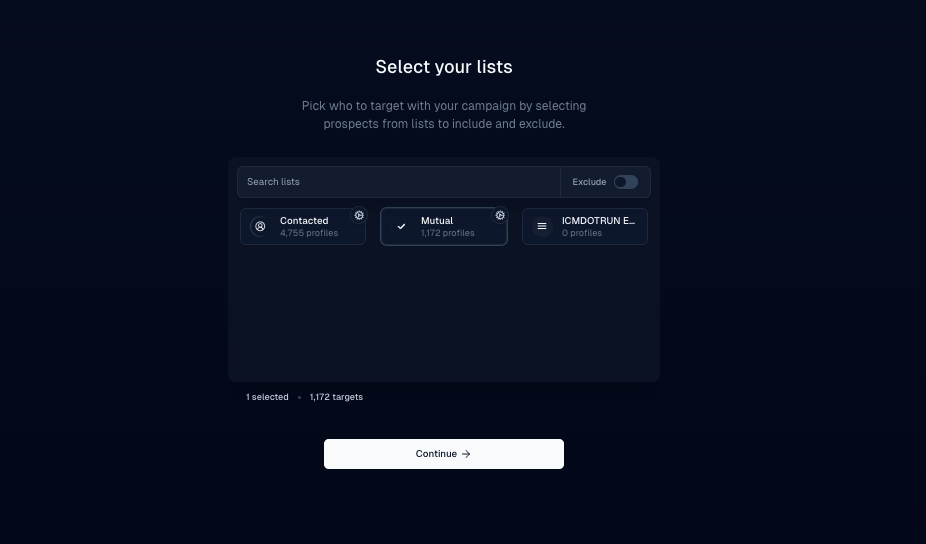
- Choose your lead list.
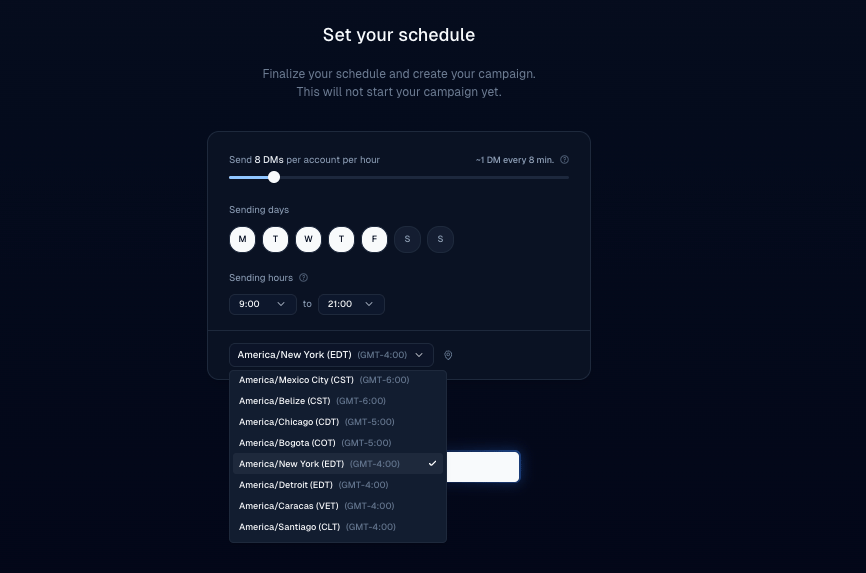
- Set the send window / schedule. Prefer recipients’ daytime hours.
- Review the summary, then launch.
Tips
- Aim for morning or afternoon in the recipient’s local time.
- Keep daily limits in mind — Daily DM limits.