
- Log in at inboxapp.com.
-
Switch to the correct team (team name at the top).

- Open Settings → General.
-
Click Invite, enter their email, and click Send Invites.
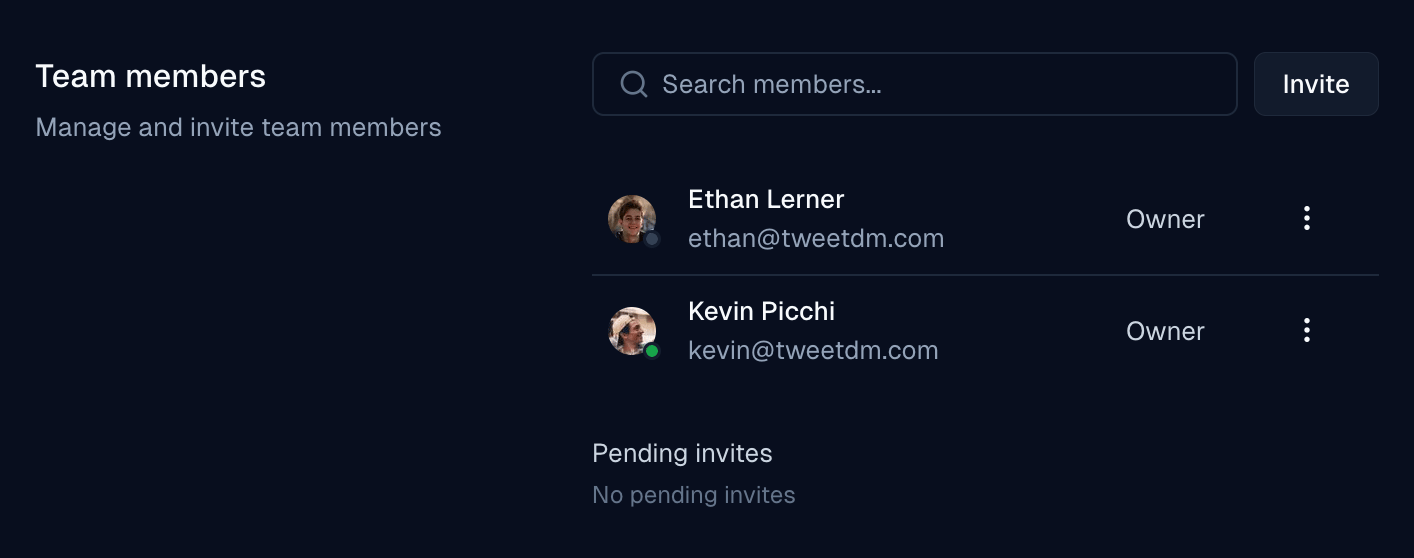
- They accept the email invite and join the team.
Account & teams
Share your X inbox with a team member
Invite a teammate to your Inboxapp team so they can access linked X inboxes.
Was this page helpful?