
1. Sign up or log in
Go to inboxapp.com and create an account, or log in.2. Install the Chrome extension
Install the Inboxapp Chrome extension from the Chrome Web Store.3. Open X
Go to x.com and make sure you’re logged into the account you want to connect.4. Link the account
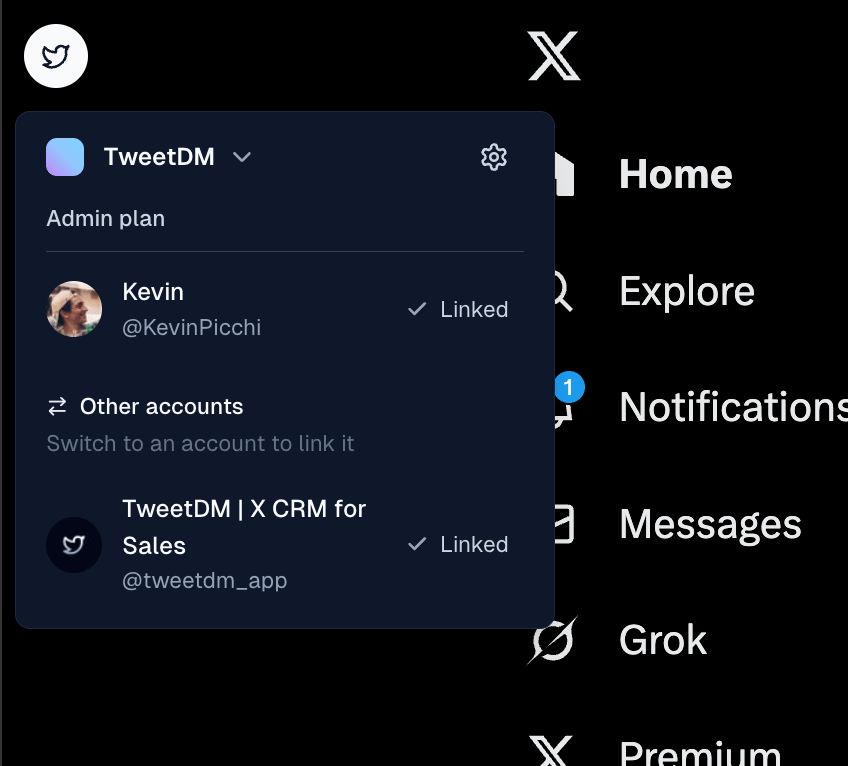
- Find the Inboxapp floating icon on x.com.
- Click it and select the account to link.
- Click Link.