
- Open Campaigns and create or edit a campaign.
- Name the campaign, then continue.
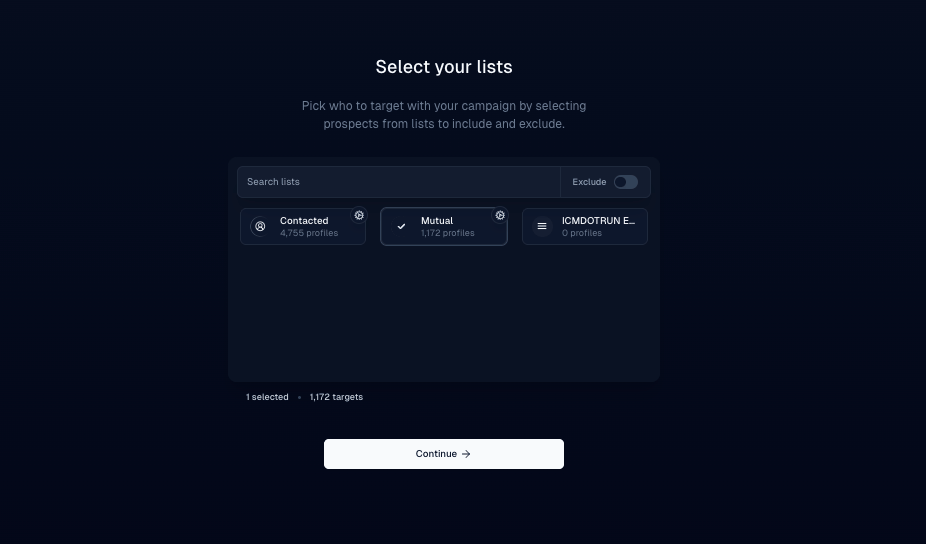
- Select the recipient list and continue.
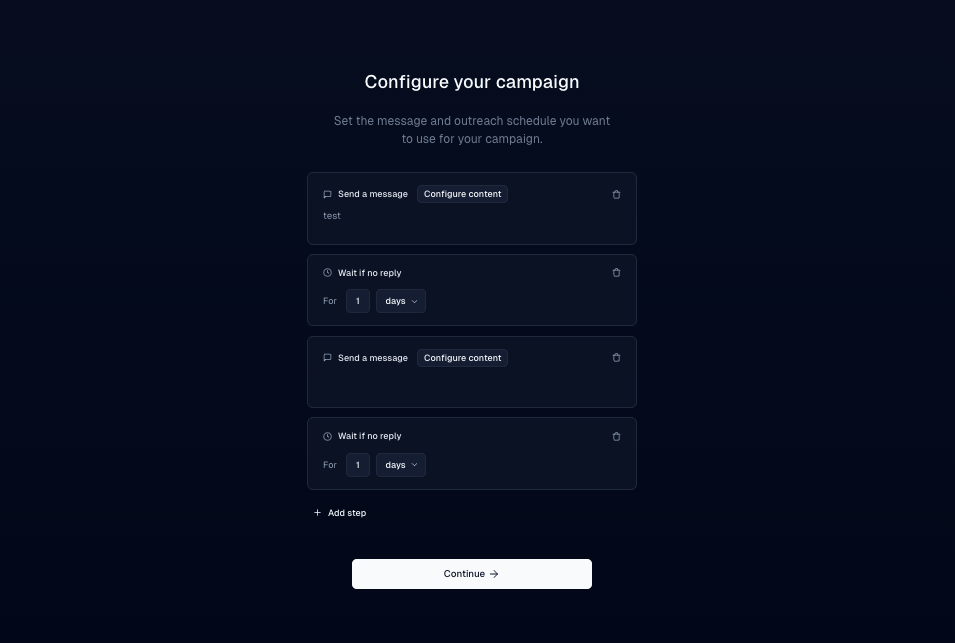
- In the message editor, open the Custom Variable control (often shown as an asterisk or similar).
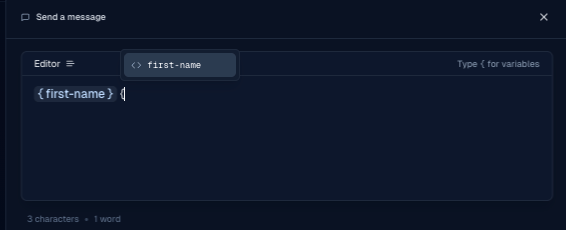
- Choose a field such as First Name. Inboxapp substitutes each lead’s value at send time.
Build
Personalize DMs with custom variables
Insert lead fields such as first name into campaign messages with the custom variable control.
Custom variables fill lead fields into each DM so messages aren’t identical.
Was this page helpful?