
- Log in, select your team, and open Settings.

- Open Statuses to see your current stages.
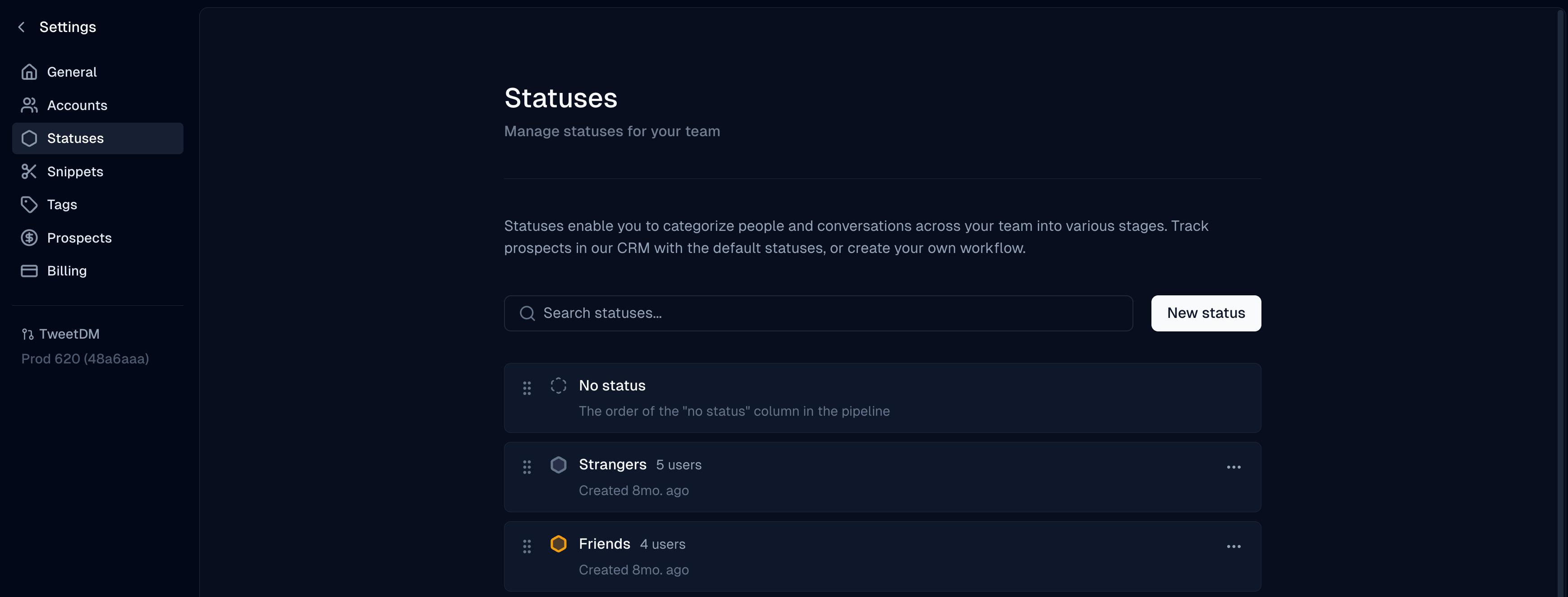
- Click Add Status, name it, and pick a color.
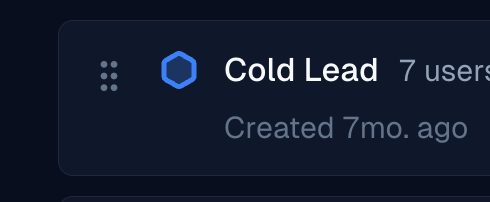
- Drag and drop statuses to change their order in the pipeline.
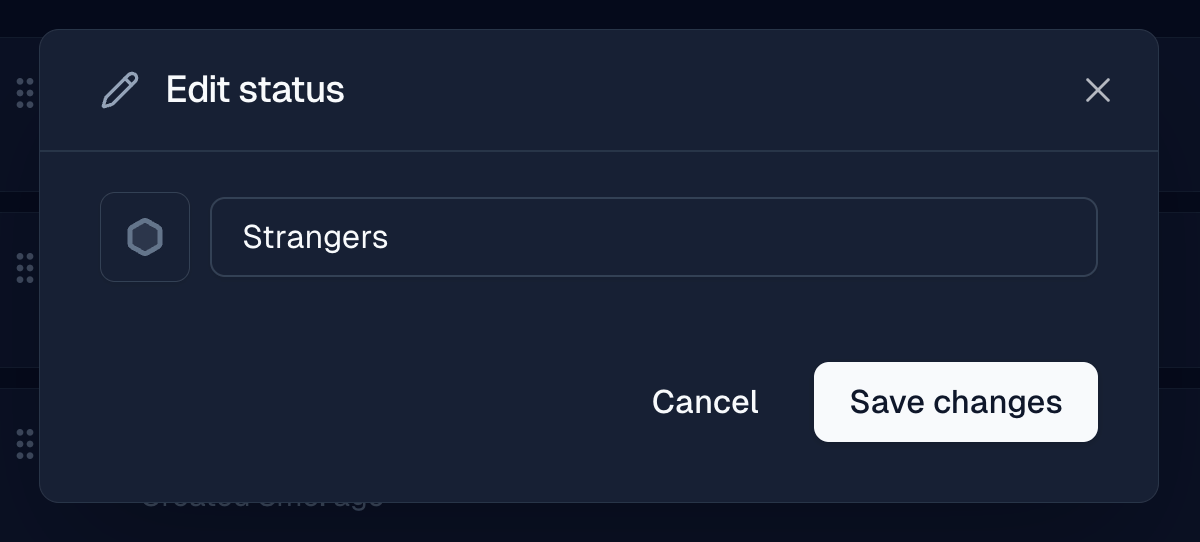
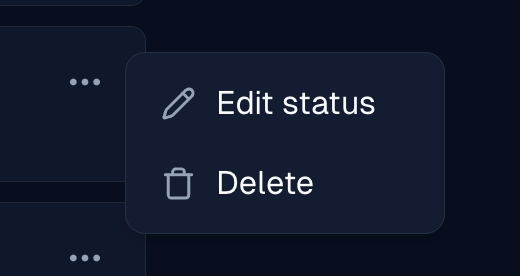
- Use the ⋯ menu on a status to edit or delete it.
Create, reorder, edit, and delete CRM pipeline statuses in Settings.