1. Create a list
- Go to Leads.
- Click Create New List.
- Name the list (for example, “Investors”).
- Click Save.
2. Choose an import source
From Add Leads you can import via:- Inboxapp’s X prospecting database (search)
- CSV upload — Import from CSV
- Followers of an X account — Import from followers
- Following of an X account — Import from following
- X lists — Import from X lists
- Plain text of usernames or IDs
- Engagement on a post (likes, retweets, replies, quote tweets) — Import from post engagement
3. Example: add from database search
- Choose Search Leads.
- Filter by keyword — for example Bio → Contains → investor.
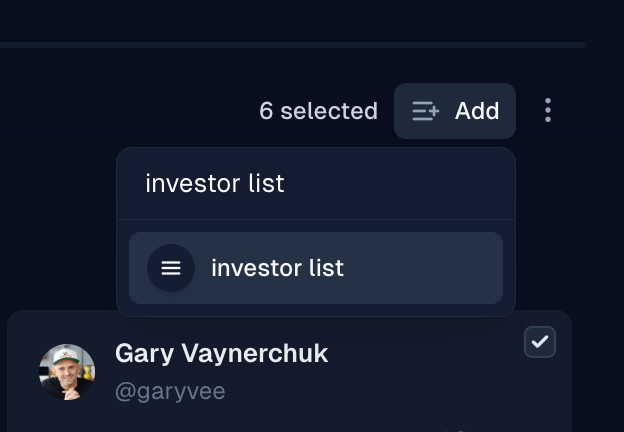
- Select profiles (drag to select), then click Add to List and choose your list.