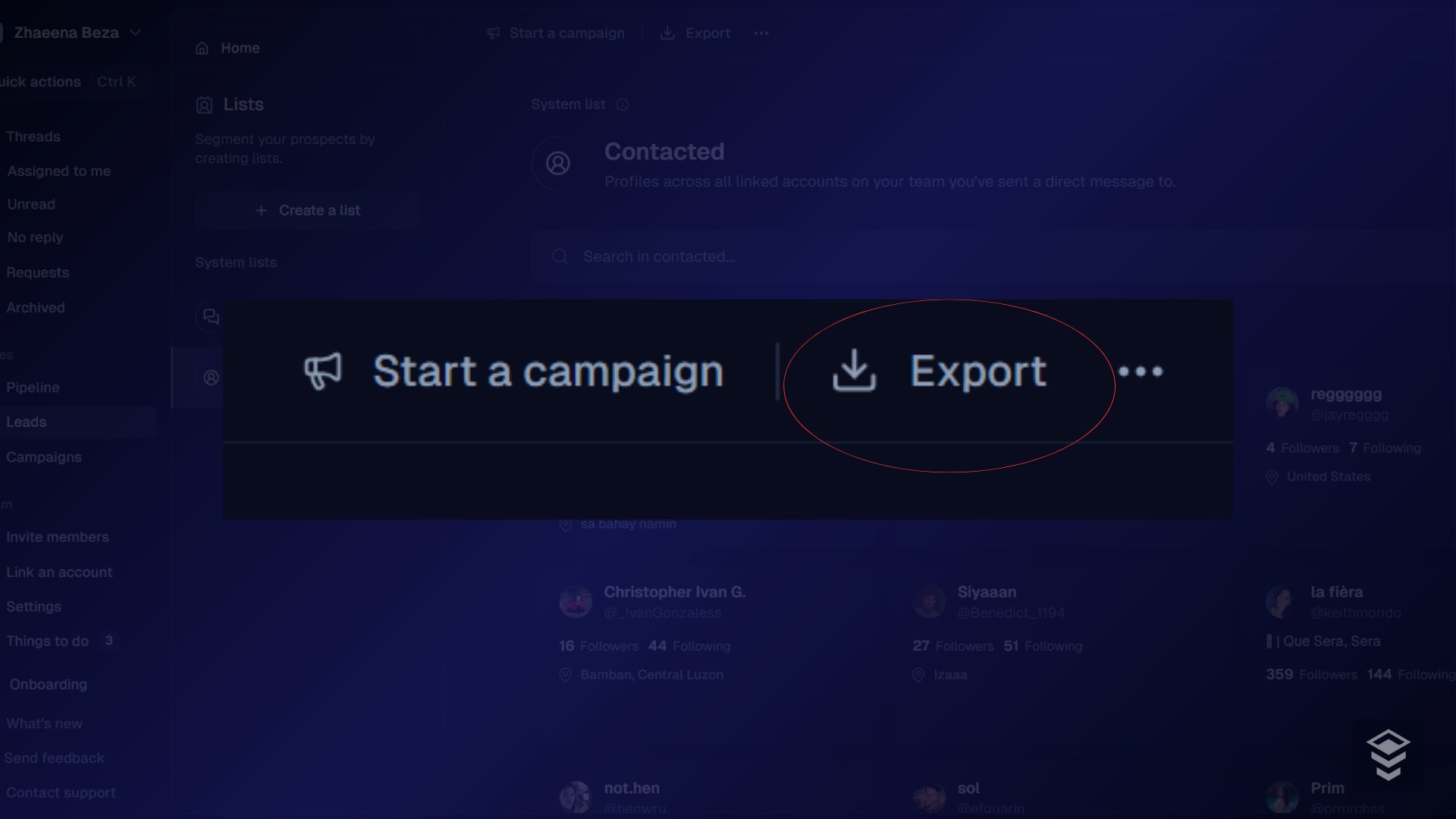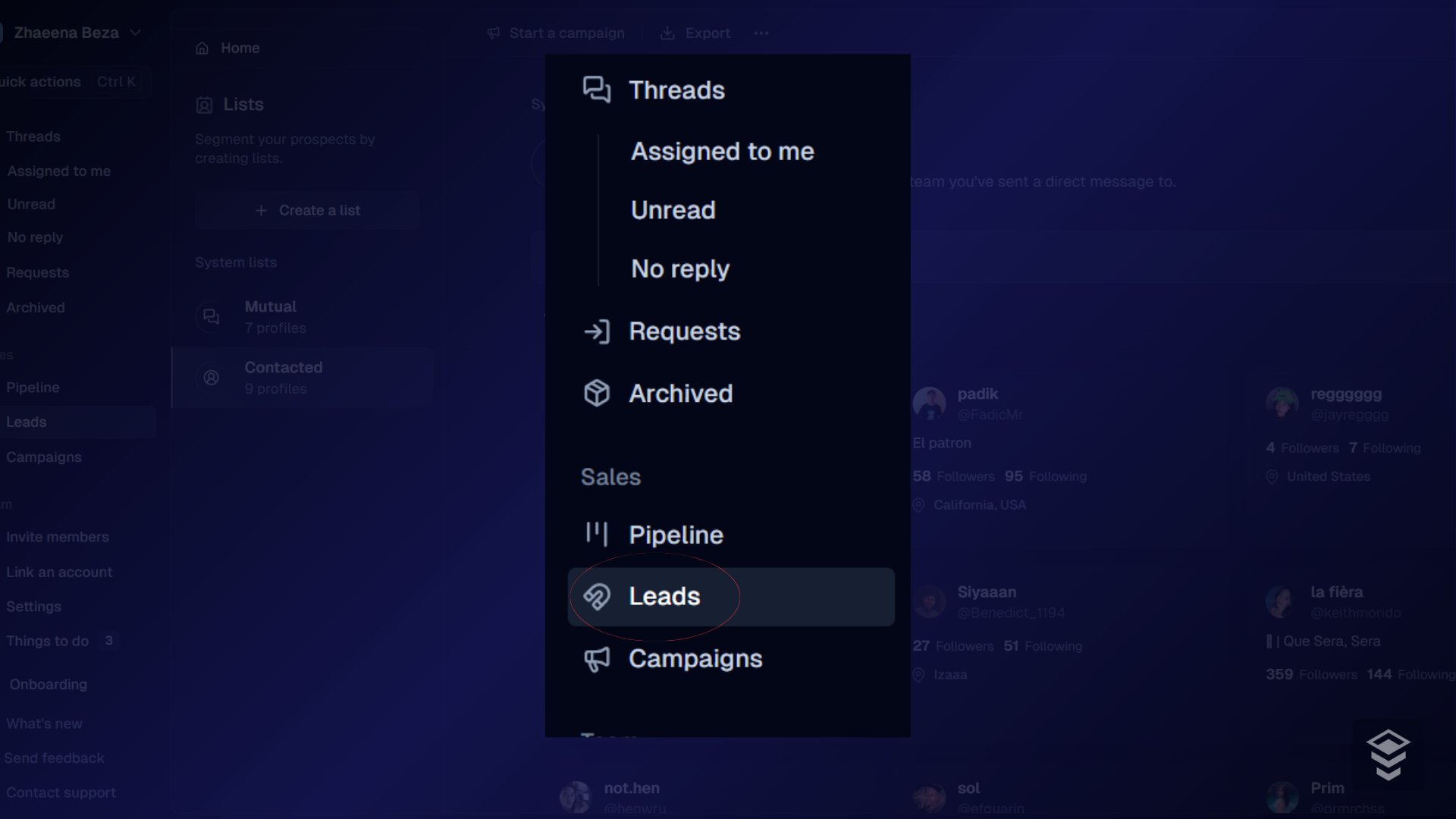
Export leads for backup, reporting, or use in another tool. You need Admin or Export permission.
  1. Open Leads.
Leads page with list of contacts
  1. Optionally filter by date, status, tag, source, or custom field.
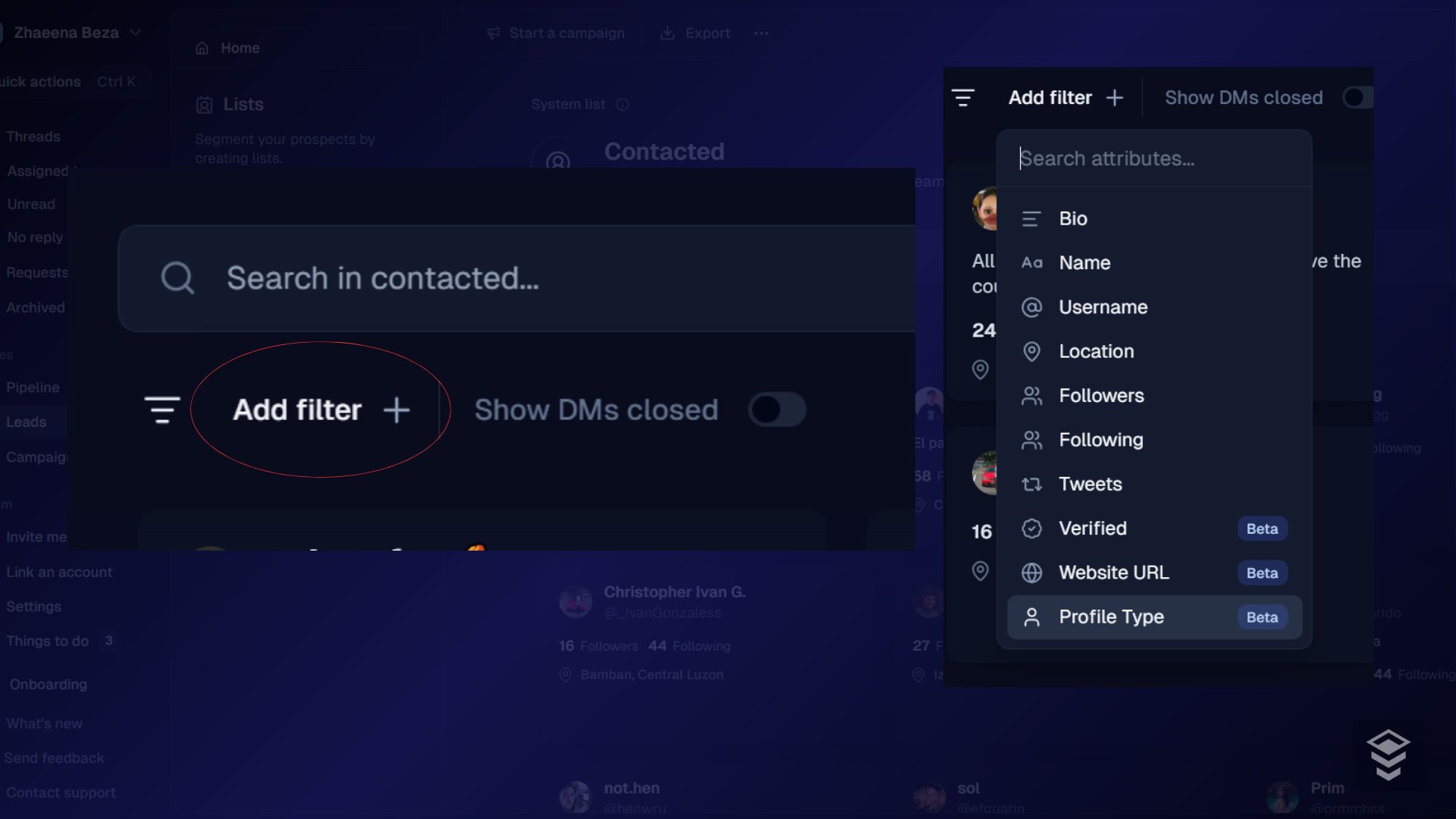
Lead filters applied before export
  1. Select specific leads, or leave selection empty to export the filtered set.

Selected leads in the table ready to export
  1. Click Export.
Export button on the leads toolbar
  1. Download the file when ready (large exports may finish in the background under notifications).

Troubleshooting

Still stuck? Contact support from the app.