
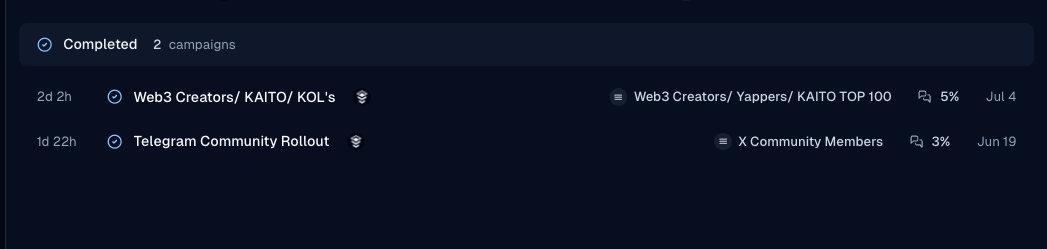
- Open Campaigns and select the campaign (often after it has completed).
- Open the campaign.
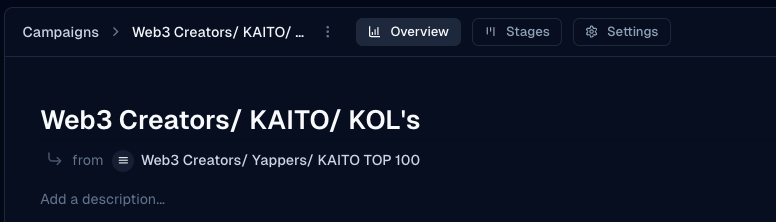
- Open the Overview tab.
- Review targeted contacts, replies, reply rate, completion rate, recent conversations, and any sentiment summary shown.
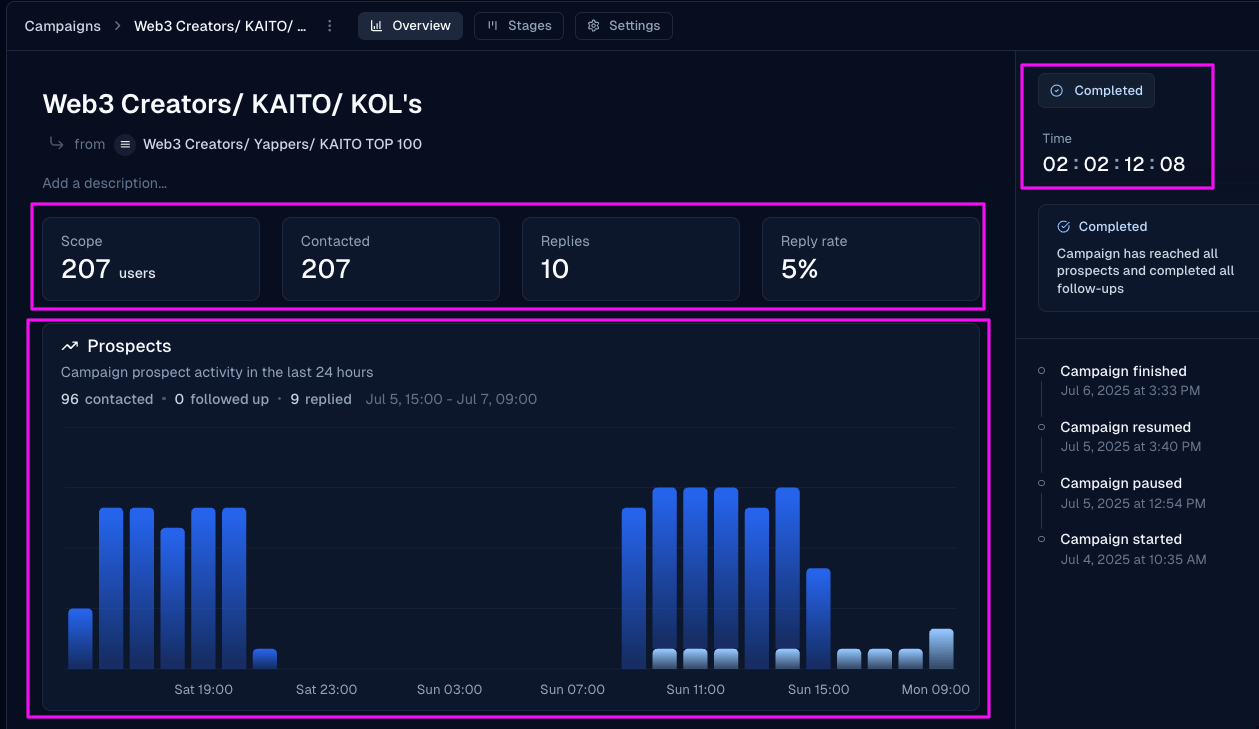
- Check completion duration on the overview when available.
Run and measure
Campaign analytics
Find targeted count, replies, reply rate, completion rate, and duration on the Overview tab.
Use Overview to review how a campaign performed.
Was this page helpful?