
Available on Pro. See Plans.
Campaign not sending
Work through these in order.- Filtering removed the audience. Before sending, Inboxapp removes excluded lists (for example Contacted), then leads that can’t receive DMs (closed DMs, private, suspended, and similar). Check that your excluded lists aren’t wiping the audience and that the starting list is large enough after filtering.
- Account or schedule. Confirm the sending account is still linked and the workspace timezone and send window are set — Scheduling.
- Paused for the day. When an account reaches its daily pace, new contacts wait until the next day — Sending pace.
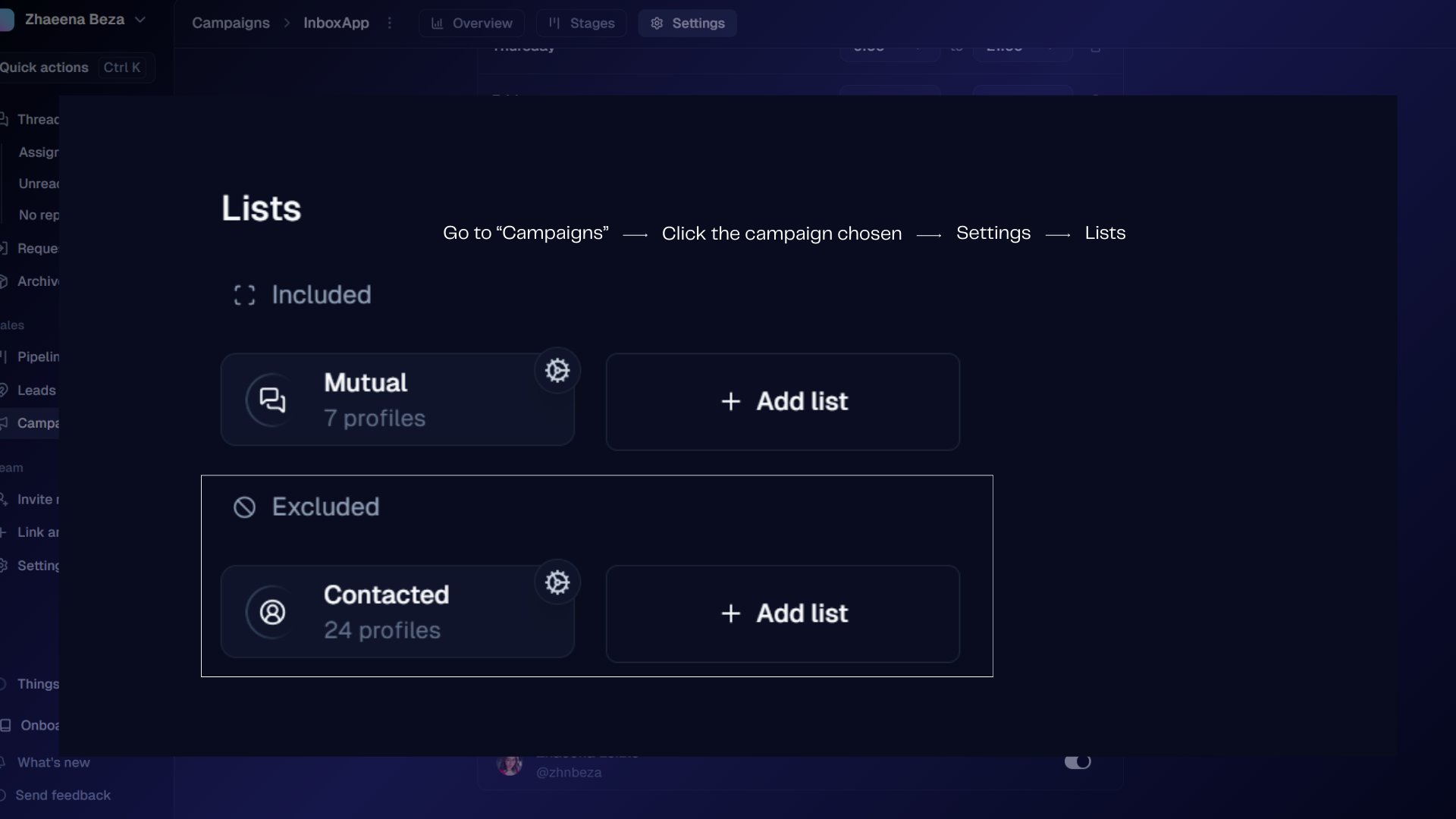
“We’re currently filtering out prospects that can’t be targeted”
This banner means Inboxapp is keeping only reachable leads:- Exclusion check — prospects on your excluded lists are removed.
- DM eligibility — profiles that can’t receive DMs are removed.
Campaign feels stuck
Open Campaigns → [campaign] → Stages and check:- The sending account is still linked
- The schedule and time zones — Scheduling
- Sequence delays aren’t excessively long