
Available on Pro. See Plans.
Multi-step sequences
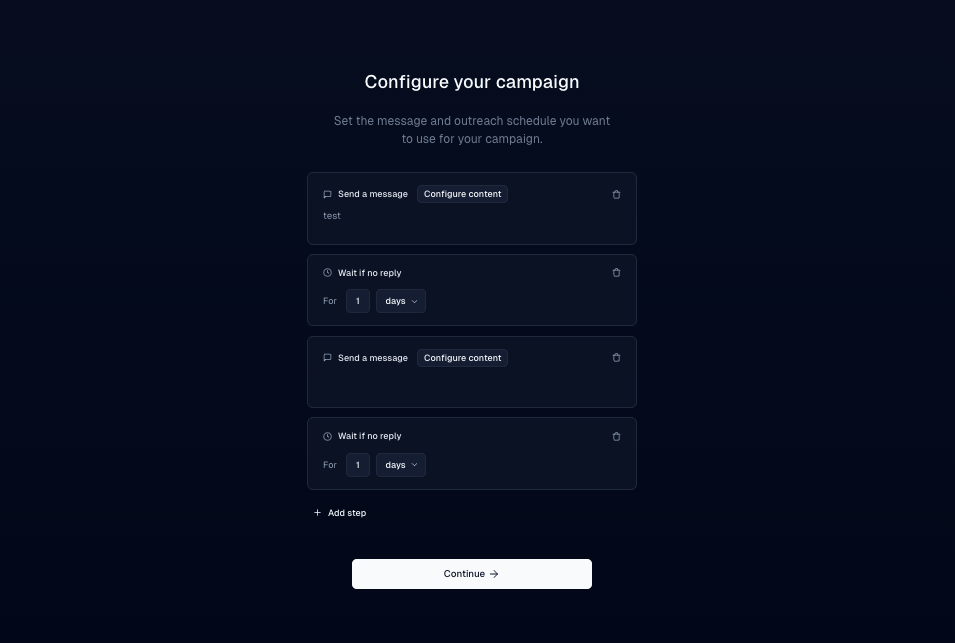
Send a first DM, then follow-ups after a delay if the lead hasn’t replied.- Write the first message.
- Click Add Step, set a delay (for example 1 day), and write the follow-up.
- Repeat for as many steps as you need, then review timing and copy.
Personalize with variables
Variables fill lead fields into each DM so messages aren’t identical.- In the message editor, open the Custom Variable control.
- Choose a field such as First Name. Inboxapp substitutes each lead’s value at send time.
Schedule across time zones
Set the schedule in your timezone; Inboxapp adjusts delivery for recipients where possible.- Set the send window or schedule. Prefer recipients’ daytime hours — morning or afternoon local time.
- Check the timezone preview and summary before you launch.
Compare copy with split lists
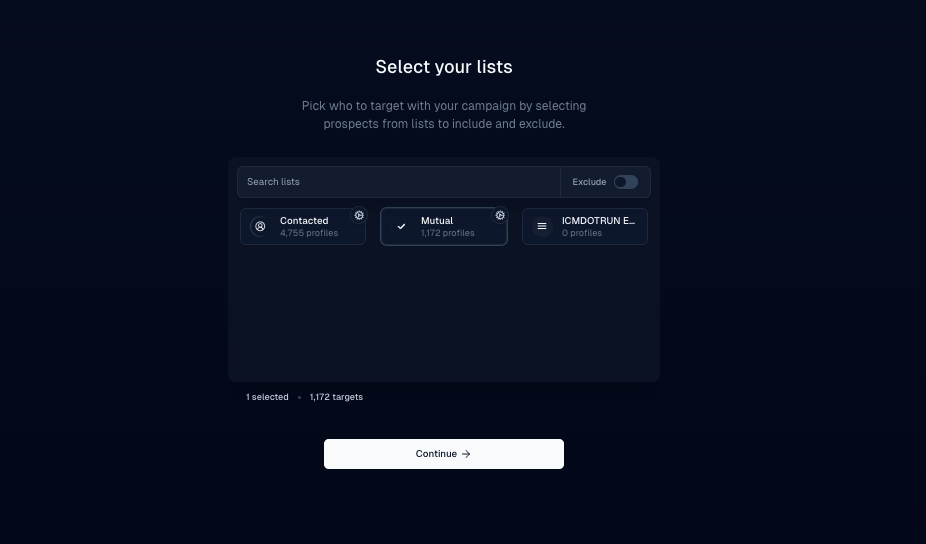
There’s no A/B test inside a single campaign. To compare copy:- Split one audience into two lists of about the same size.
- Create Campaign A for List A and Campaign B for List B.
- Keep every setting the same except one thing: opening line, CTA, tone, or personalization.
- Launch both at the same time and let them run long enough for meaningful reply counts.
- Compare reply rates on Overview — Campaign stages and results — and roll the winner into future campaigns.