Available on Pro. See Plans.
Stages
Stages update automatically; you can’t move leads between them by hand. Click a stage to see its leads.
When a lead replies
- They leave the sequence — no more automated follow-ups
- They move to Replied
- You continue the conversation in the inbox
Overview
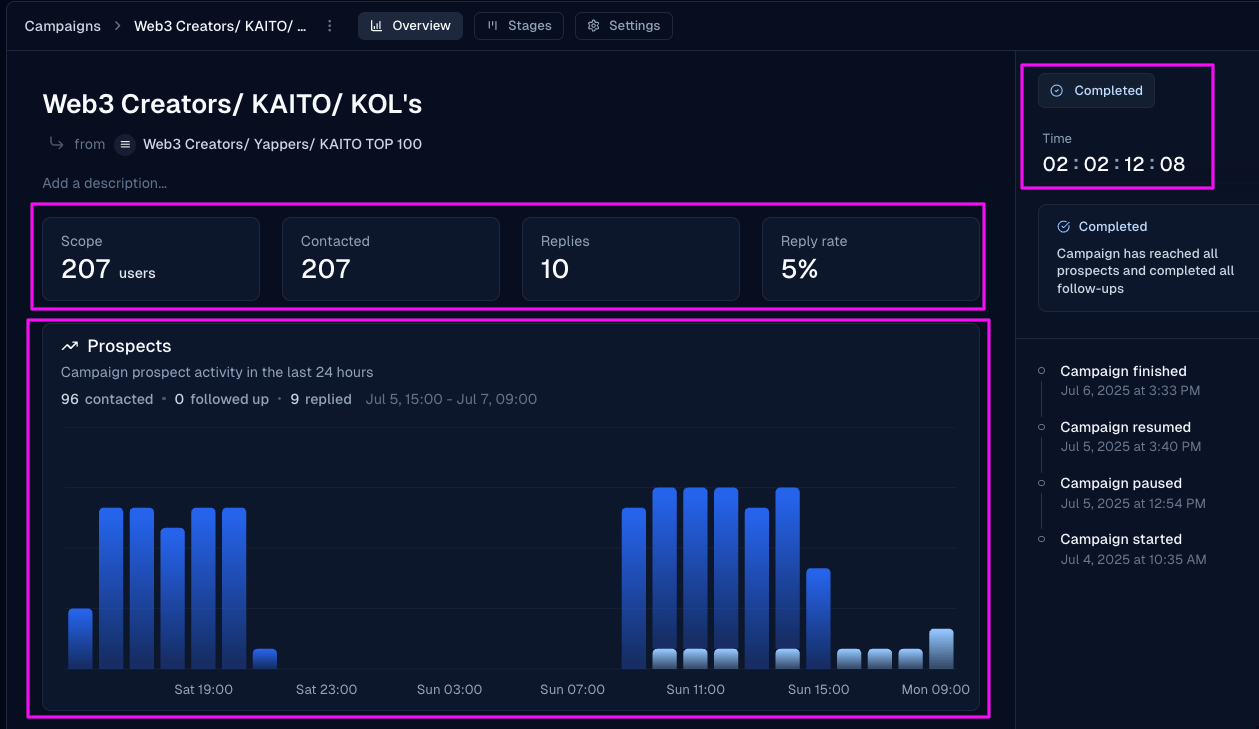
The Overview tab shows targeted contacts, replies, reply rate, completion rate, recent conversations, and any sentiment summary. Completion duration appears when available.