
Available on Pro. See Plans.
- Open a lead list, or create one.
- Click Add Leads.
- Pick a source below, fill in its details, and start the import.
Followers
Imports recent followers of a public X account. Choose Import from Followers, enter the X handle (for example@inboxapp_), then click Start Import.
Following
Imports the accounts a public X profile follows. Choose Import from Following, enter the X handle, then click Start Import.X list
Imports the members or the followers of an X list. Choose the X list import option, pick list members or list followers, enter the list details, and start the import.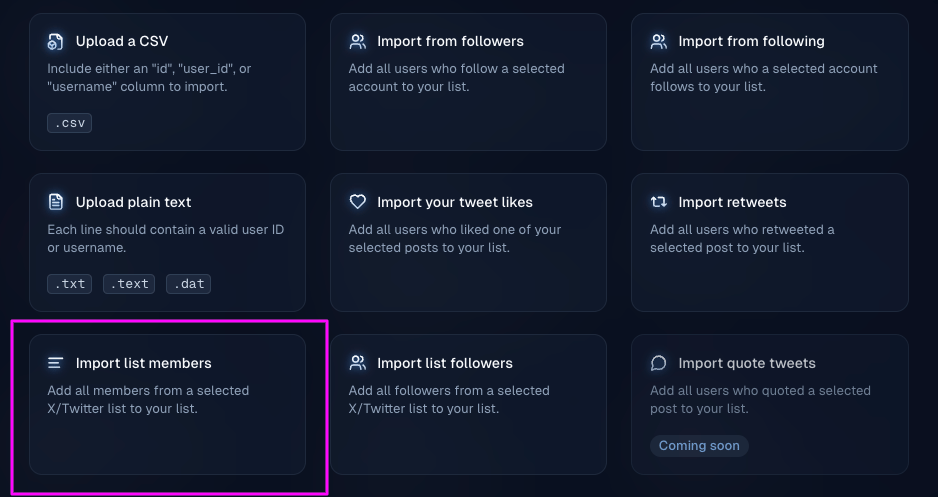
Post engagement
Imports people who interacted with a post on X. Choose the interaction:- Likes — typically your own posts
- Retweets
- Replies
- Quote tweets