> ## Documentation Index
> Fetch the complete documentation index at: https://docs.inboxapp.com/llms.txt
> Use this file to discover all available pages before exploring further.
# Campaign stages and results
> Where each lead is in a campaign, what happens when they reply, and reply and completion rates.
Available on Pro. See [Plans](/get-started/plans).
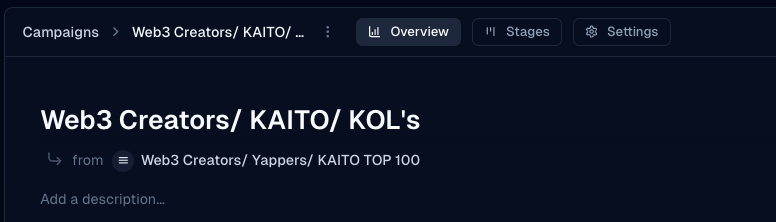
Open **Campaigns** and select a campaign. **Stages** shows each lead; **Overview** shows how the campaign performed.
## Stages
| Stage | Meaning |
| - | - |
| **Pending** | Not yet in the active send flow |
| **In-Sequence** | Receiving or waiting on sequence steps |
| **Replied** | Lead replied — sequence stopped for them |
| **Unresponsive** | Finished the sequence without a reply |
| **Failed** | Send failed for that lead |
Stages update automatically; you can't move leads between them by hand. Click a stage to see its leads.
 ## When a lead replies
* They leave the sequence — no more automated follow-ups
* They move to **Replied**
* You continue the conversation in the inbox
## Overview
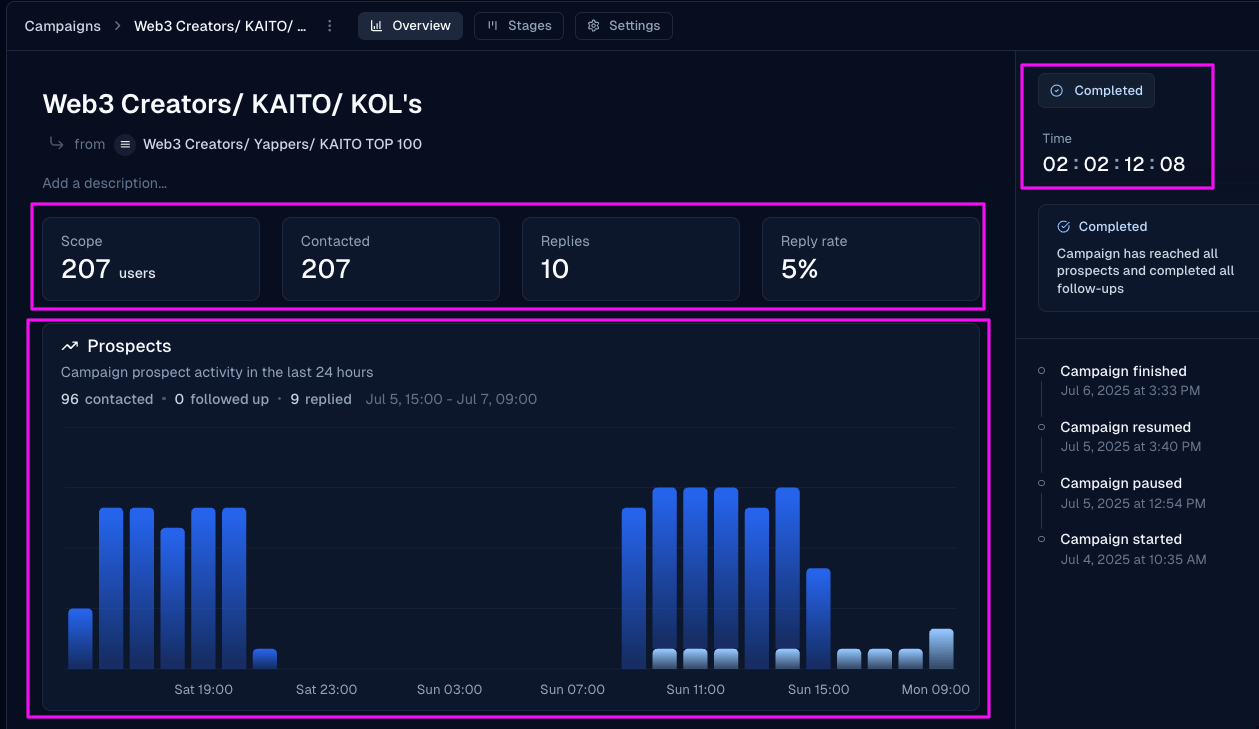
The **Overview** tab shows targeted contacts, replies, reply rate, completion rate, recent conversations, and any sentiment summary. Completion duration appears when available.
## When a lead replies
* They leave the sequence — no more automated follow-ups
* They move to **Replied**
* You continue the conversation in the inbox
## Overview
The **Overview** tab shows targeted contacts, replies, reply rate, completion rate, recent conversations, and any sentiment summary. Completion duration appears when available.
 ## Related
* [Create your first campaign](/help/campaigns/build/create-your-first-campaign)
* [Sequences, personalization, and scheduling](/help/sales/sequences)
* [Campaign troubleshooting](/help/sales/campaign-troubleshooting)
Still stuck? Contact support from the app.
This documentation is built and hosted on [Mintlify](https://mintlify.com), a developer documentation platform.
## Related
* [Create your first campaign](/help/campaigns/build/create-your-first-campaign)
* [Sequences, personalization, and scheduling](/help/sales/sequences)
* [Campaign troubleshooting](/help/sales/campaign-troubleshooting)
Still stuck? Contact support from the app.
This documentation is built and hosted on [Mintlify](https://mintlify.com), a developer documentation platform.