> ## Documentation Index
> Fetch the complete documentation index at: https://docs.inboxapp.com/llms.txt
> Use this file to discover all available pages before exploring further.
# Export leads
> Export filtered or selected leads to a file from the Leads page.
Export leads for backup, reporting, or use in another tool. You need **Admin** or **Export** permission.
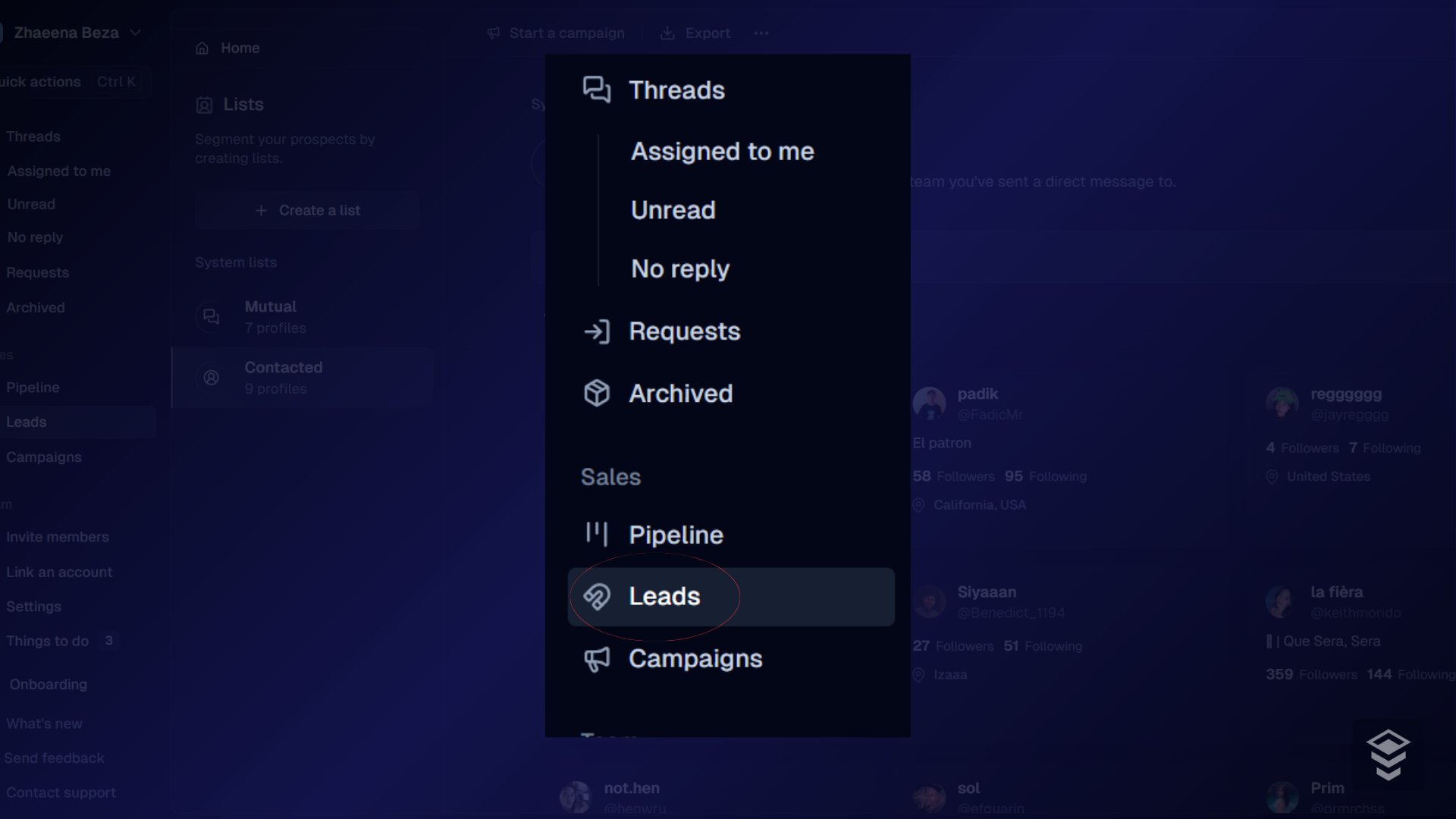
1. Open **Leads**.
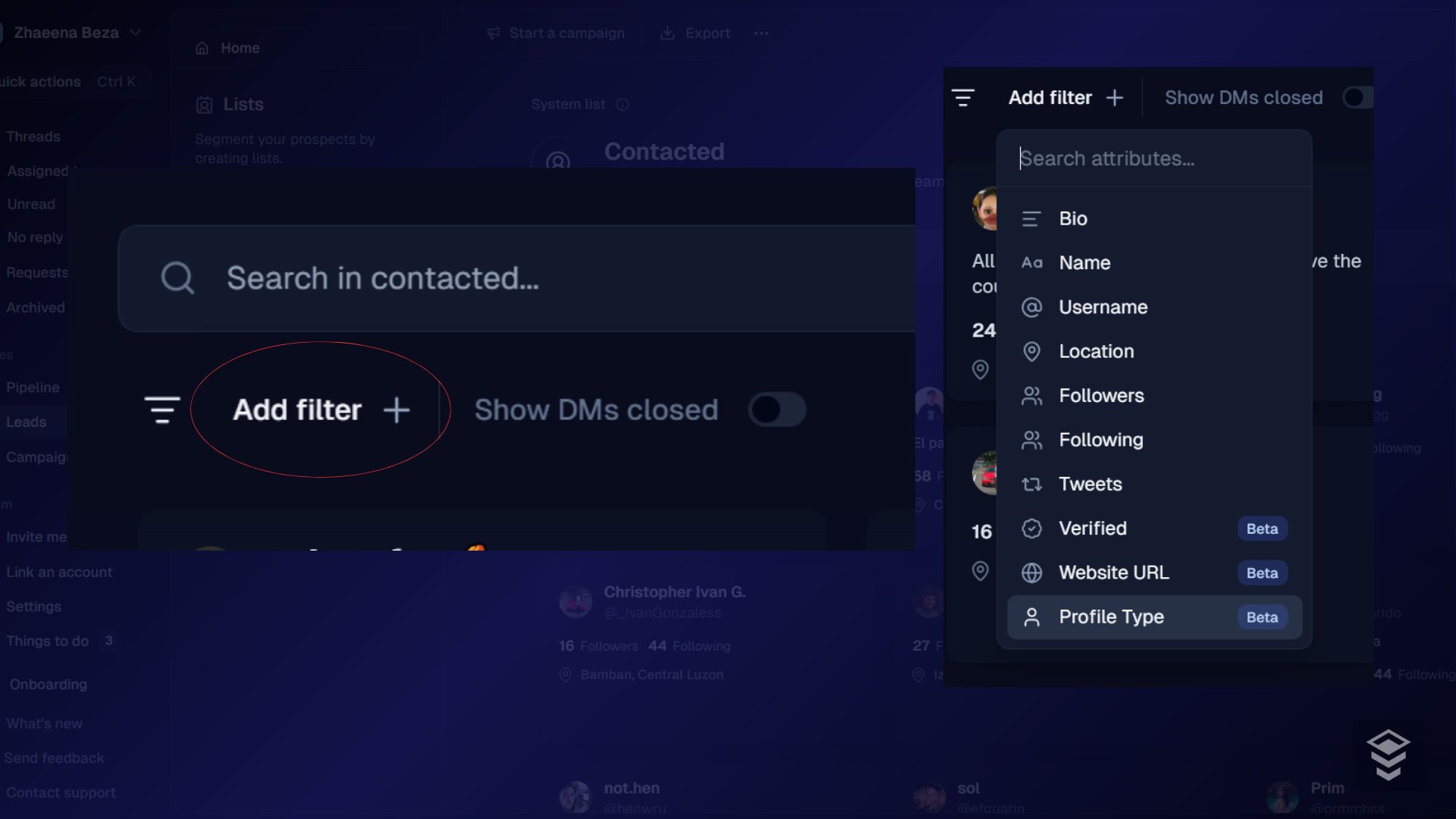
 2. Optionally filter by date, status, tag, source, or custom field.
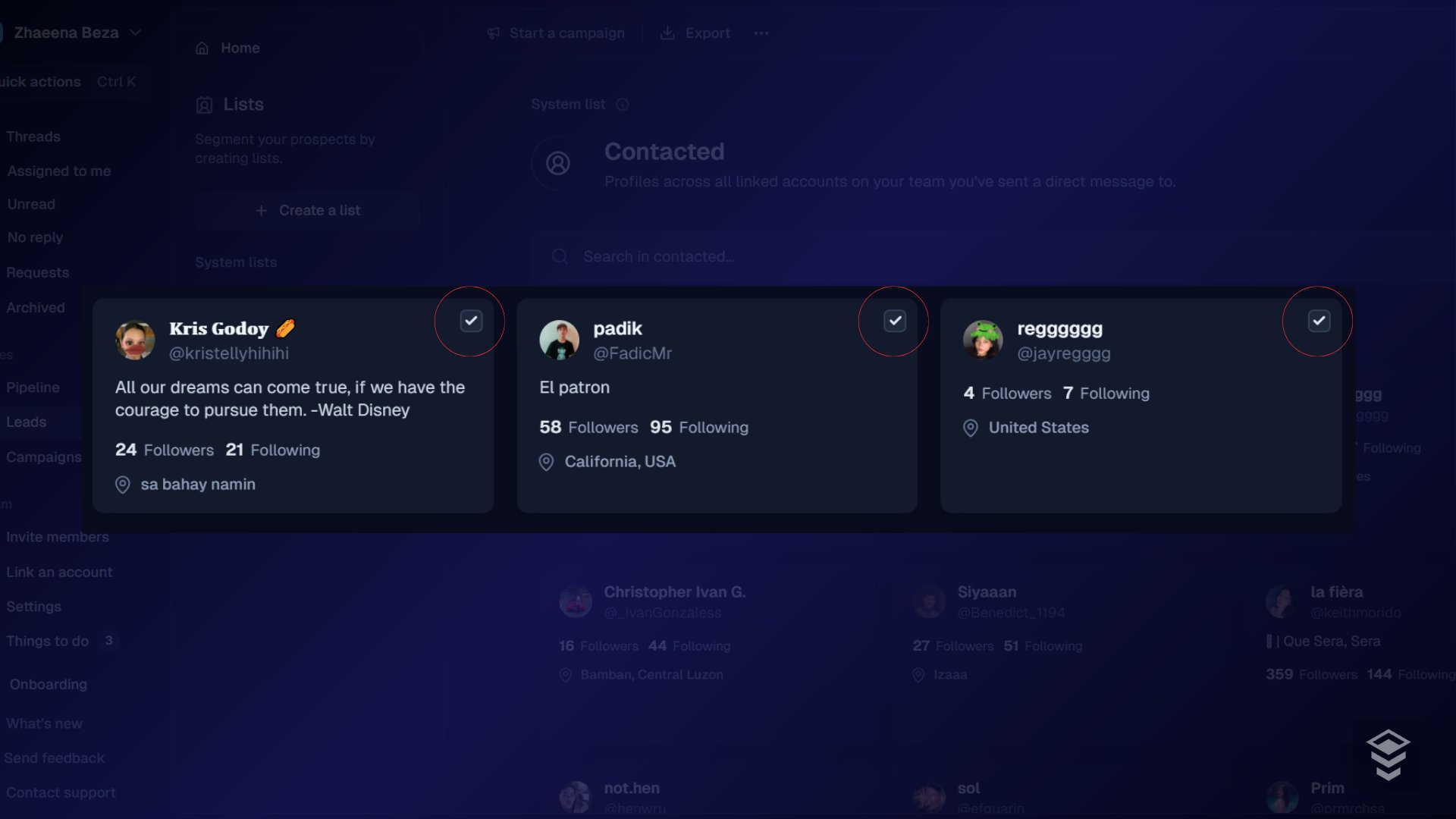
 3. Select specific leads, or leave selection empty to export the filtered set.
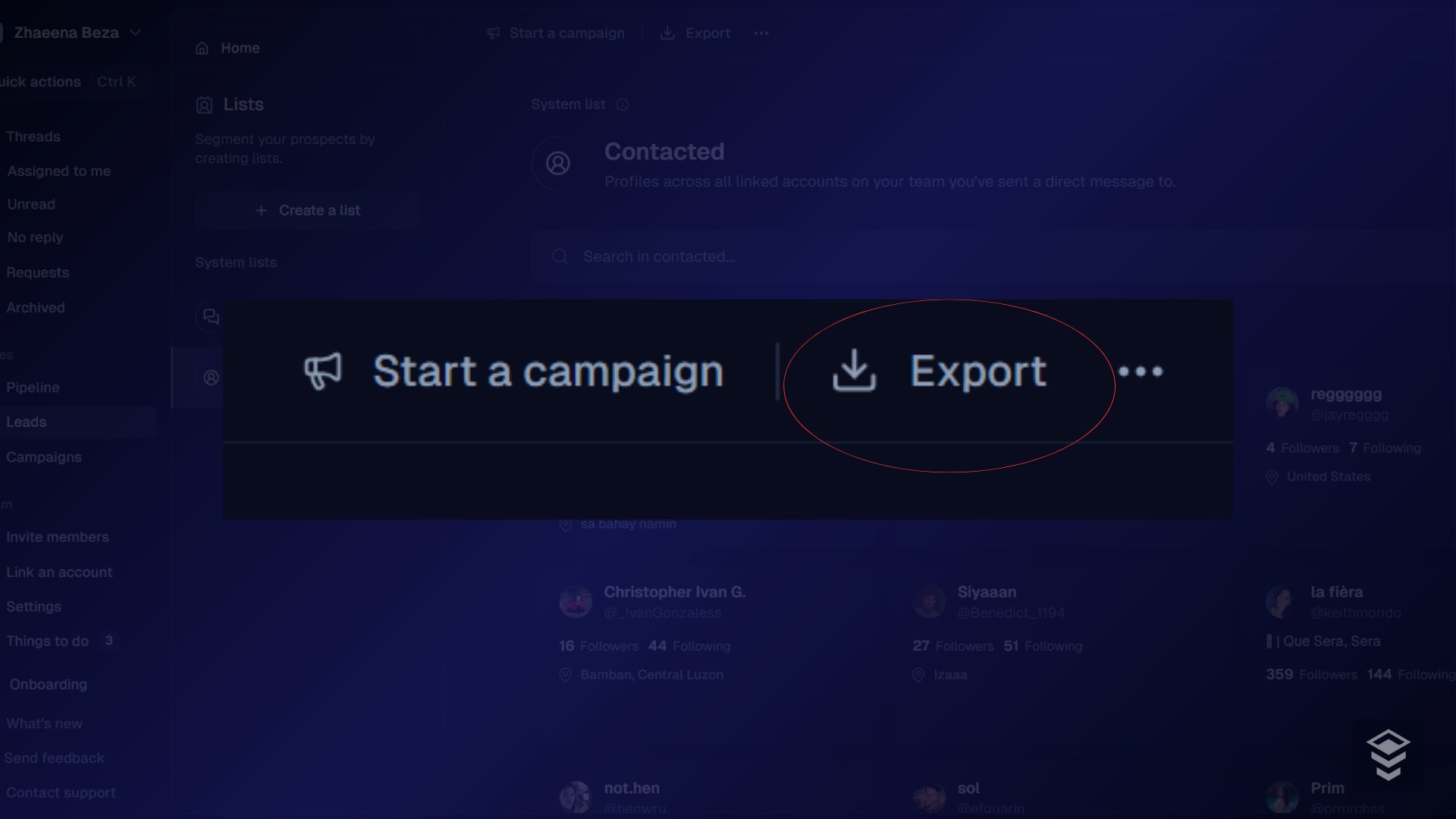
 4. Click **Export**.
 5. Download the file when ready (large exports may finish in the background under notifications).
## Troubleshooting
| Problem | Fix |
| -------------------------------- | ---------------------------------------------------- |
| No Export button | Ask an admin for Export or Admin permission |
| Custom fields missing | Include them in the export options before generating |
| Export fails or is huge | Export smaller filtered batches |
| Dates look wrong in Excel/Sheets | Set the column format (for example YYYY-MM-DD) |
## Related
* [Import leads from a CSV](/help/leads-management/importing/importing-leads-to-inboxapp-from-a-csv-file)
* [Filtering and segmenting leads](/help/leads-management/organize/filtering-and-segmenting-your-leads)
Still stuck? Contact support from the app.
5. Download the file when ready (large exports may finish in the background under notifications).
## Troubleshooting
| Problem | Fix |
| -------------------------------- | ---------------------------------------------------- |
| No Export button | Ask an admin for Export or Admin permission |
| Custom fields missing | Include them in the export options before generating |
| Export fails or is huge | Export smaller filtered batches |
| Dates look wrong in Excel/Sheets | Set the column format (for example YYYY-MM-DD) |
## Related
* [Import leads from a CSV](/help/leads-management/importing/importing-leads-to-inboxapp-from-a-csv-file)
* [Filtering and segmenting leads](/help/leads-management/organize/filtering-and-segmenting-your-leads)
Still stuck? Contact support from the app.