> ## Documentation Index
> Fetch the complete documentation index at: https://docs.inboxapp.com/llms.txt
> Use this file to discover all available pages before exploring further.
# Campaign analytics
> Find targeted count, replies, reply rate, completion rate, and duration on the Overview tab.
Use **Overview** to review how a campaign performed.
1. Open **Campaigns** and select the campaign (often after it has completed).
2. Open the campaign.
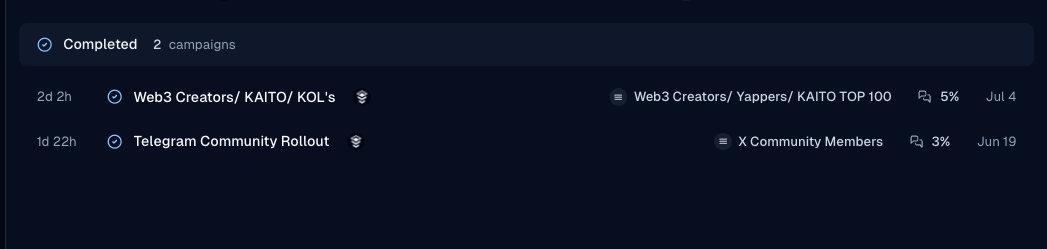 3. Open the **Overview** tab.
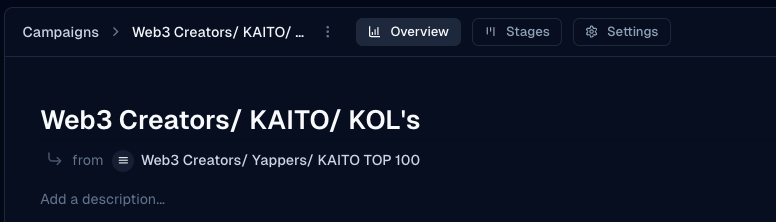 4. Review targeted contacts, replies, reply rate, completion rate, recent conversations, and any sentiment summary shown.
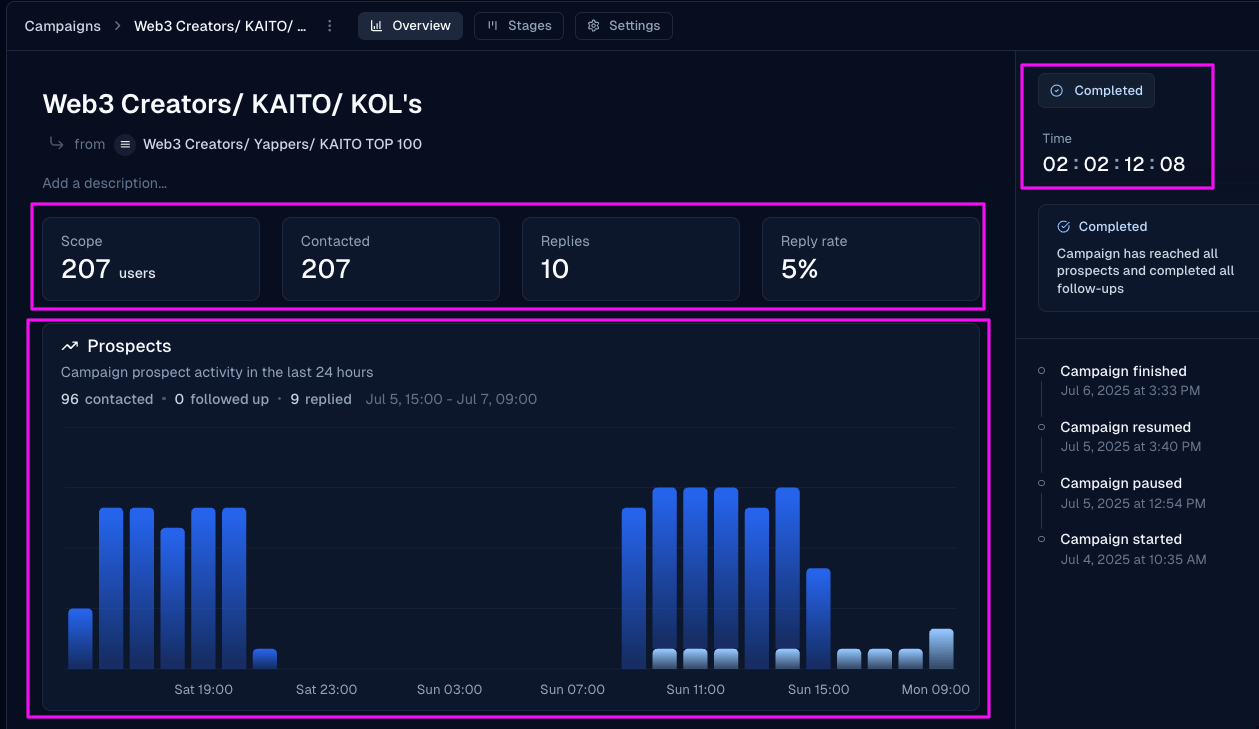 5. Check completion duration on the overview when available.
For per-lead status, use **Stages** — [Campaign stages](/help/campaigns/run-and-measure/understanding-campaign-stages-in-inboxapp).
## Related
* [Create your first campaign](/help/campaigns/build/create-your-first-campaign)
* [A/B tests with segmented lists](/help/campaigns/build/how-to-run-a-b-tests-in-campaigns)
Still stuck? Contact support from the app.
5. Check completion duration on the overview when available.
For per-lead status, use **Stages** — [Campaign stages](/help/campaigns/run-and-measure/understanding-campaign-stages-in-inboxapp).
## Related
* [Create your first campaign](/help/campaigns/build/create-your-first-campaign)
* [A/B tests with segmented lists](/help/campaigns/build/how-to-run-a-b-tests-in-campaigns)
Still stuck? Contact support from the app.