> ## Documentation Index
> Fetch the complete documentation index at: https://docs.inboxapp.com/llms.txt
> Use this file to discover all available pages before exploring further.
# Schedule campaigns across time zones
> Set send times so Inboxapp adjusts delivery for recipient time zones.
Schedule sends in your timezone; Inboxapp adjusts for recipients where possible.
1. Confirm your X account is linked.
2. Open **Campaigns** → **New Campaign** (or edit an existing draft).
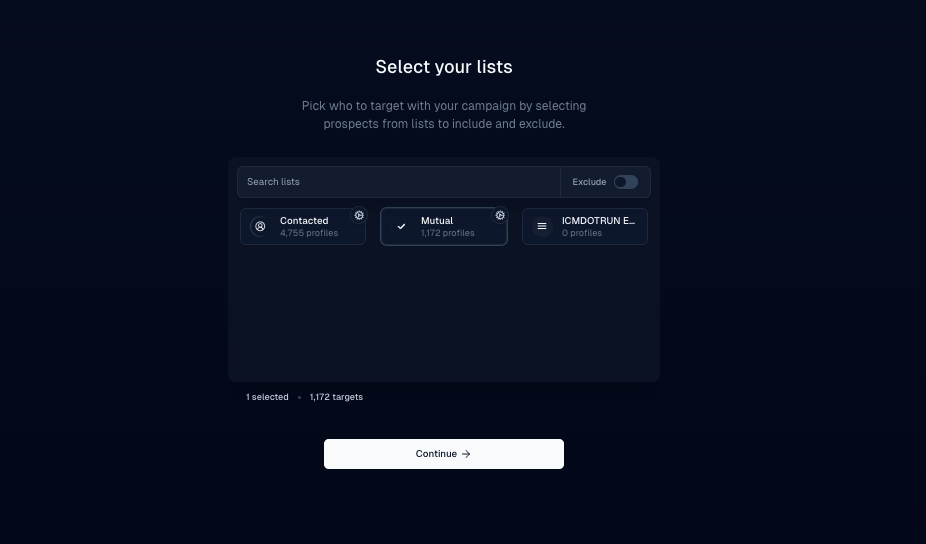
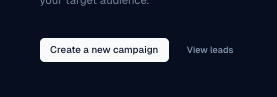 3. Choose your lead list.
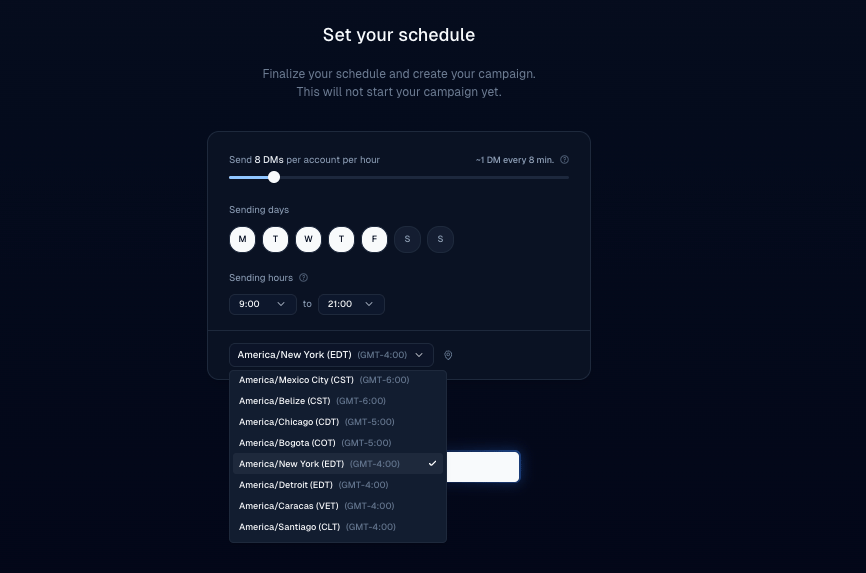
 4. Set the send window / schedule. Prefer recipients’ daytime hours.
 5. Review the summary, then launch.
## Tips
* Aim for morning or afternoon in the recipient’s local time.
* Keep daily limits in mind — [Daily DM limits](/help/campaigns/limits-and-safety/how-many-dms-can-i-send-per-day-on-x-twitter-with-inboxapp).
## Related
* [Create your first campaign](/help/campaigns/build/create-your-first-campaign)
* [Campaign not sending](/help/campaigns/fix/why-is-my-campaign-not-sending-messages)
Still stuck? Contact support from the app.
5. Review the summary, then launch.
## Tips
* Aim for morning or afternoon in the recipient’s local time.
* Keep daily limits in mind — [Daily DM limits](/help/campaigns/limits-and-safety/how-many-dms-can-i-send-per-day-on-x-twitter-with-inboxapp).
## Related
* [Create your first campaign](/help/campaigns/build/create-your-first-campaign)
* [Campaign not sending](/help/campaigns/fix/why-is-my-campaign-not-sending-messages)
Still stuck? Contact support from the app.